
Reserving an office at KPMG is a somewhat tedious process. High-level, there are two steps:
- Reserve the office space/workstation
- Take a Daily Health Check on the day of the reservation
I would like to automate both of these processes. Let’s start with the first step, creating a reservation:
- Navigate to the firmwide EMS reservation page
- In the “Book a workspace” row, select book now
- Select the date and time of reservation
- I prefer to select 7 am to 11 pm just to be safe
- Note: there is an ability to schedule a reoccurring reservation, however, the system limits users to 6 reservations past the current day
- Select the Add/remove button within the “Location” row
- Type and check the “San Francisco” option (or office of your choosing)
- A full list of office and work spaces will populate. Choose the preferred space.
- Select Next Step in the top right corner
- Select Create Reservation in the bottom right corner
- Done. The reservation has been created.
Before entering the office, users must complete a Daily Health Check:
- Navigate to the Daily Health Check page
- Sign into your firm account, if necessary
- Authenticate your account via Windows security text code
- This could get tricky
- Click the Daily Check-in button
- Select Yes, a second prompt will extend beneath
- Select I have been fully vaccinated, and I understand that…
- Select Submit. A prompt explaining that “If you have received the appropriate approvals you may proceed to the KPMG office…” will appear
- Select Okay. This part is likely optional.
Now, the employee will have access to their chosen office via their employee badge. Granted, this process likely takes ~5 or less minutes to complete, I see value in having an automated bot that reserves my favorite office on my favorite floor every 6 days for the following week. I’d likely keep the health check manual, as it can be done on mobile and is a daily control.
There are some ethical concerns here:
- What if I’m not using the office, but I have it reserved? A colleague could be using the beautiful, vacant corner office
- Even if I’m using it everyday, is it right to have a program that automatically reserves the most attractive offices? Tangentially, is it ethical for consumers to deploy bots to purchase all of a high end brands (i.e. Supreme) limited, newly released products?
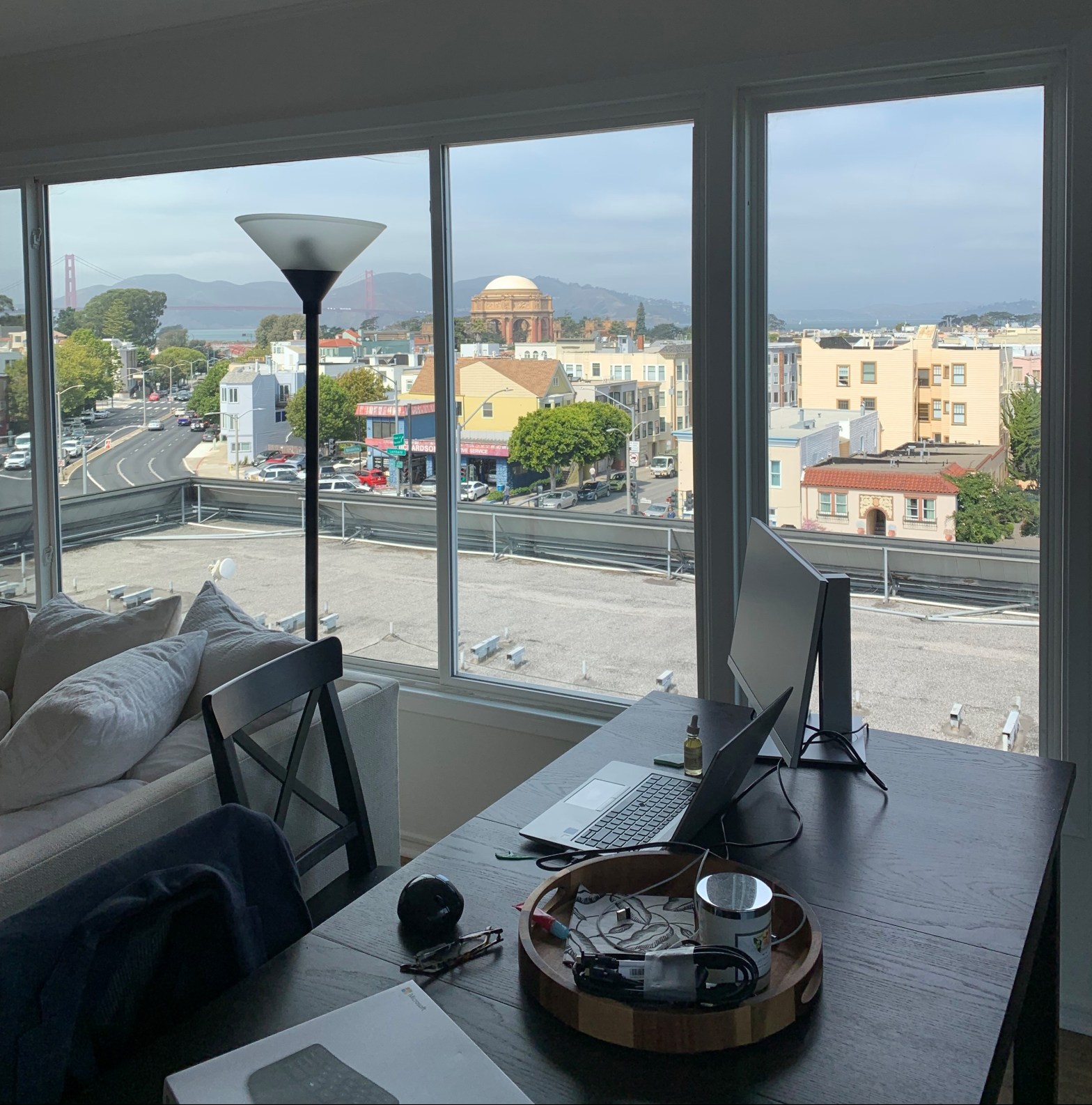
Ethical concerns aside, I’m really enjoying my at home set up. I’ll likely be in the office when that 3rd monitor is vital to productivity or when there are events/planned days in office.

 Zen Making Robots